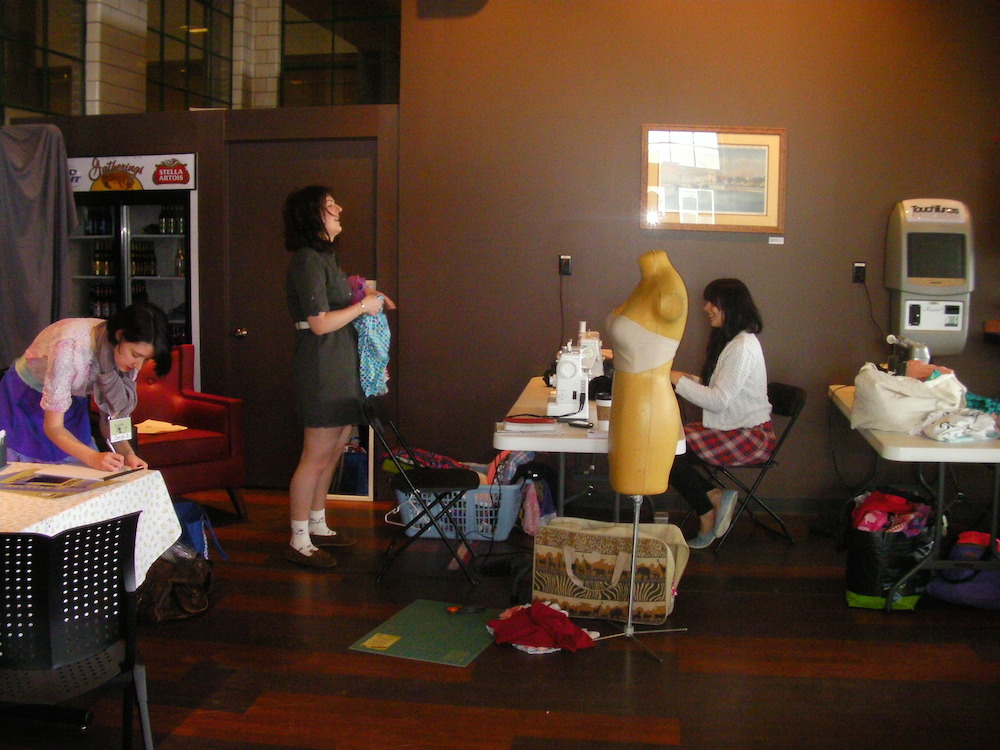
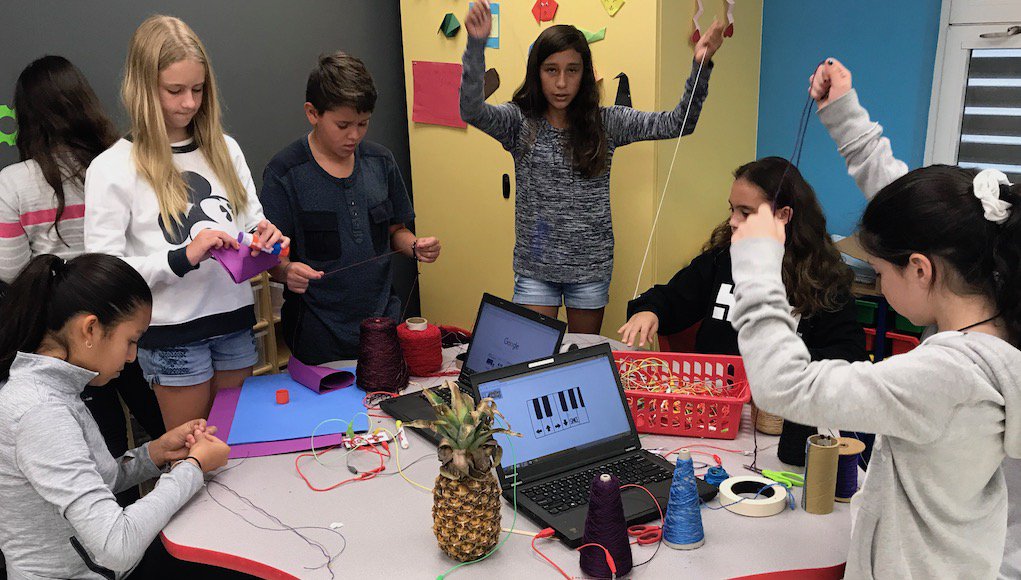
In our library makerspaces are collaborative environments where people from the community, and students/faculty from the schools come together to create to their hearts content. We work to provide an environment that allows people to learn, grow, and experiment without feeling the pressure of making mistakes. There are no mistakes because you can't do it wrong. We provide the equipment and the space to work while, the patrons provide their background knowledge and passion.
The items can range any where from things that cost nothing such as old clothes, paper, cans, and bags to machinery such as soldering tools, 3D printers, and cricuts. The library works to provide the most up to date software and tools that allow everyone to create. These spaces can be critical in school age children as they help prepare them with 21st century skills such as science, technology, engineering, and math or STEM. Art can also be added to this to create STEAM. Providing hands on learning, critical thinking, and boost self confidence.
Another common environment is a hackerspace where computer programmers can collectively meet, share, and work. The term hack usually refers to the ability to enter a computer program and change it to fit your needs. In the area of a hackerspace the term hack is used to describe the process of taking everyday objects and changing their purpose or function to complete a new task. The term hackerspace is sometimes used inter changeably with makerspace. Some professional examples are FabLabs run by the Fab Foundation and TechShops a for profit makerspace that is maintained through the membership fees.
How do you make a makerspace?
When beginning to create a space it is important to first, literally create a space. Clearing out an area in the library is the most important part because you need enough room for collaborative tables. There should be space for a few tables and all of the equipment. A storage area for the materials will be necessary as you will need some organizational method to keep it clean.
Once you have your tables and space for materials the next step will be to decide what equipment and materials you will need to get in order to complete certain tasks. These items can relate to a similar theme or there could be no relation between them at all. Some themes are an art centered station or more technology focused.
When buying equipment the most important part is sticking to the budget. In order to do this you will need to over estimate the cost of machinery in order to plan for replacement parts and accessories. It is also important to consider the space you have, you wouldn't want to purchase a CNC machine if you do not have room for it or stained glass equipment if you can't store the glass. It would also be helpful if you have an expert at your library who already has experience with the machines you are purchasing. It is also possible to learn as you go with the equipment and maybe your patrons will be able to help with the learning process.
Using makerspaces in your Classroom
A place where every child has access to a safe, creative space for exploration is the goal of most teachers. So a makerspace would be a welcome addition to any curriculum. The problem is how to implement them. Now most schools do not have a large budget to purchase machinery like public or academic libraries can, so it would be a problem to search for better options. There are a few options here that I will discuss that will provide a better easier way for teachers to use this method in their classrooms.
The items that these stations will be discussed in my next post.
Portable - a valuable option for teachers is a rolling cart that can be moved from a storage closet to the classroom when it is needed. It could even be stored in the school library and then checked out by the teachers who need it.
Electives - another option that won't always be an option is for the school to create electives for the makerspaces. This will allow the students to have time to work while also having a place for their materials in the school building.
Bookcase - The common makerspace that I have witnessed is to have a small bookcase with the materials available and then a small work table for the students to use in the classroom. This tends to be the most common because it allows the students to have access to the materials and space at all times of the day. The negative aspect to this is that it takes up space in the classroom and can be not enough room for the activities that students will conduct.
Resources
- https://www.makerspaces.com/what-is-a-makerspace/
Describes what a makerspace is in technical terms.
- http://oedb.org/ilibrarian/a-librarians-guide-to-makerspaces/
An annotated list of resources for using, implementing, and creating makerspaces.
- https://theunquietlibrarian.wordpress.com/2016/11/08/join-us-at-nwp-annual-in-atlanta-the-makerspace-in-the-library-what-it-means-for-your-classroom/
Describes a librarian who attended the National Writing Project Annual Meeting which discussed the uses of makerspaces.
- http://acrlog.org/2016/12/02/make-it-work-starting-a-makerspace-in-an-academic-library-phase-1/
This blog goes through the process of creating a makerspace in an academic, university library.
- http://www.makerspaceforeducation.com/makerspace.html
- https://www.edutopia.org/blog/creating-makerspaces-in-schools-mary-beth-hertz
Educational websites about implementing makerspaces in classrooms.
 Some ideas I have come up with are:
 Christmas Ornaments